


Costs & shipping
Separate seller costs from freight and check the line’s restrictions.
Gadgets, figures & home goods
Find goods by category or use the Object Finder. Check the seller’s options and know what the warehouse can verify before choosing a shipping line.
Start with electronics, watches and accessories, or browse clothing and footwear.
Sign up through our affiliate link and manage your orders directly in your Kakobuy account.
Open KakobuyBrowse the catalogue, check reference QC photos where available, and compare wholesale prices and minimum quantities on seller listings.
Browse the catalogueOpen the original listings to compare seller feedback, product options and recent buyer photos before ordering.
How to check sellersBuild a look with supported clothing, shoes and accessories in W2C Spreadsheet’s AI studio.
Try an outfitRead buyer experiences about QC, packing, delivery and tracking in the Kakobuy community.
Read community reviewsFollow seasonal campaigns, product offers and shipping coupons. Check the dates and eligibility of each offer.
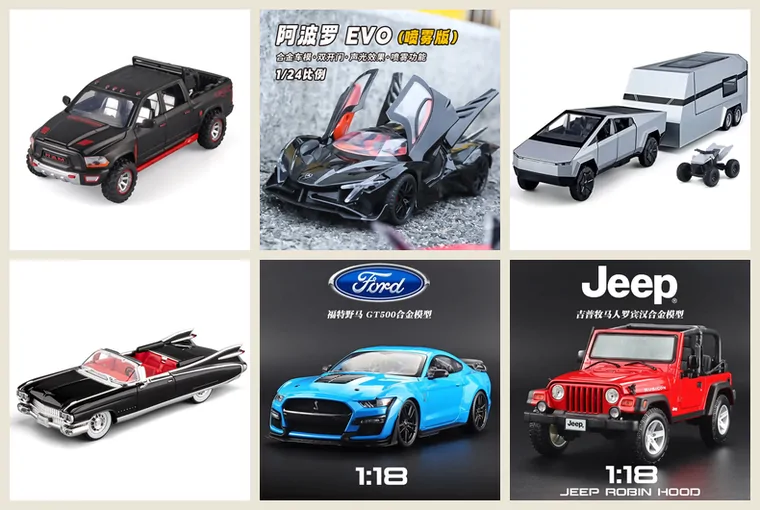
See promotionsFilter non-clothing finds and compare the original listing options for gadgets, figures and home goods before you pay.
Verify model number, colour and what comes in the box.
Copy the seller link and select the exact option.
Look for the correct casing, label and visible damage.
Verify what the route accepts before sending batteries or liquids.
Separate seller costs from freight and check the line’s restrictions.
Use photos for visible details. Check seller specifications for compatibility or battery claims.
Find answers about sealed boxes, model variants and returns.
These reference QC photos show packaging details. For compatibility or operation, check the seller’s specifications.
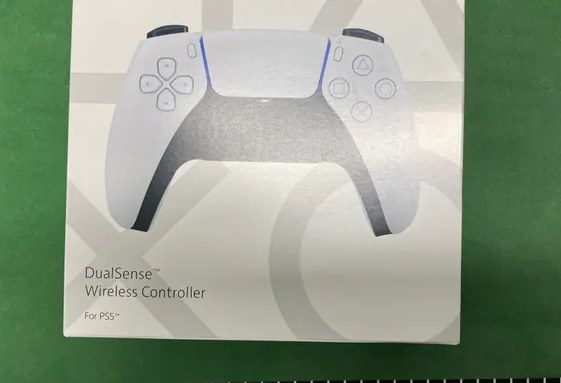
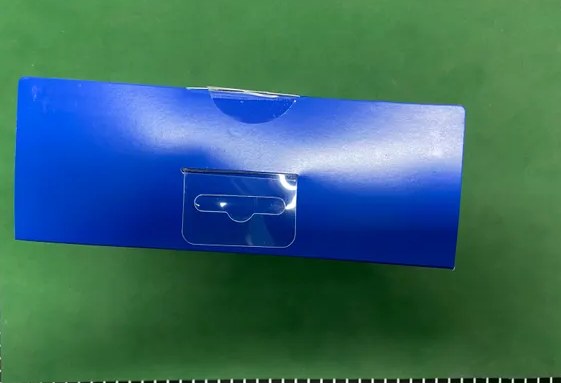
Accessory index · AI previews
Open the full images to compare how the bag, cap and watch sit in each look. Check their actual dimensions and options on the product pages.
Browse all outfits
 OBEY Clothing T-Shirt CollectionShown option: 3199白 · S
 Acne Studios Distressed Wide Leg Jeans
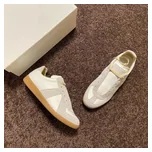 MAJILA Gats Training ShoesShown option: 版本1 · 白色 · 36
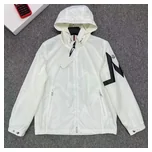 Moncler Italy Classic Windbreaker Jacket CollectionShown option: 盟可睐冲锋衣4 · S
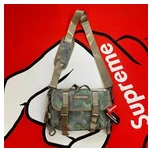 Supreme Orange Shoulder BagShown option: G076迷彩
 Moncler Ribbed Knit Beanie Hat CollectionShown option: 2 · 均码
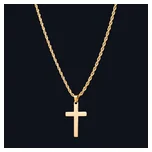 Gold Cross Pendant NecklaceShown option: 2#麻花链-金色

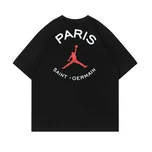 Jordan Brand T-Shirt CollectionShown option: 1黑色 · M
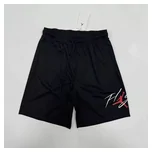 Jordan Flight Basketball ShortsShown option: N47黑色 · S
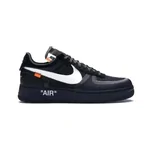 Nike Air Force 1 Low CollectionShown option: Black AO4606-001 · US 4/UK3.5/Euro 36/CM 23
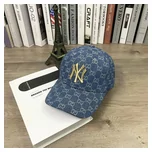 New York Yankees Denim Baseball Cap with Gold NY LogoShown option: 蓝色 blue
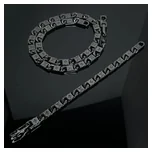 Louis Vuitton Monogram Chain BraceletShown option: 手链+项链套装

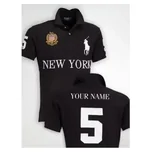 Ralph Lauren City Series Polo Shirts CollectionShown option: black-new york · S
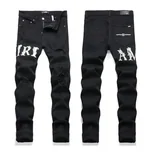 Men's Fashion Denim Jeans CollectionShown option: 8 · S(29)
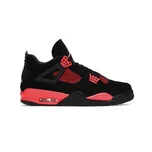 Air Jordan 4 CollectionShown option: US 7/UK6.5/Euro 40/CM 25 · Red Thunder CT8527-016
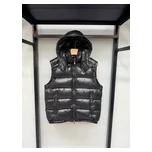 Moncler Black Down Vest with HoodShown option: 8002黑色 · S
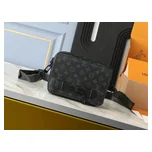 Louis Vuitton Monogram Eclipse Crossbody Bag
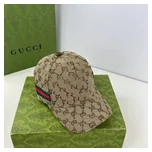 Gucci GG Supreme Baseball Caps CollectionShown option: 卡其色 · 可调节
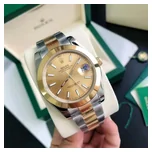 Rolex Oyster Perpetual Datejust Green Dial Stainless Steel WatchShown option: 间黄金金盘·三珠表带 · 41MM(适合男士)
A Kakobuy Spreadsheet is a product catalogue. Its shelves hold cards for single items, and every card pairs a photo and a yuan price with a link to the listing on Taobao, Weidian or 1688. Shoppers browse by category, much like walking the aisles of a shop, then hand the item link to Kakobuy. Kakobuy orders it, receives it in its Chinese warehouse and later sends it abroad to you.
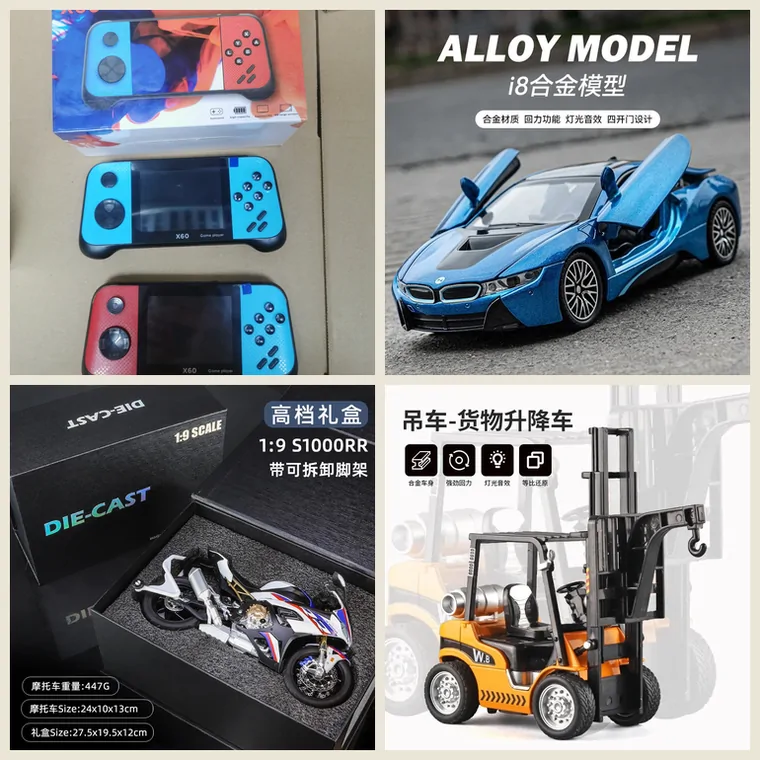
Most of what people browse is clothing and shoes. The rest is what this site covers: handheld game players, earbuds, phone cases, scale model cars and motorcycles, figures, plush toys, key straps, pillowcases. These items raise questions a hoodie never does. Does it need a battery? Is anything on it made of glass? Will anyone check that it actually works before it crosses an ocean?
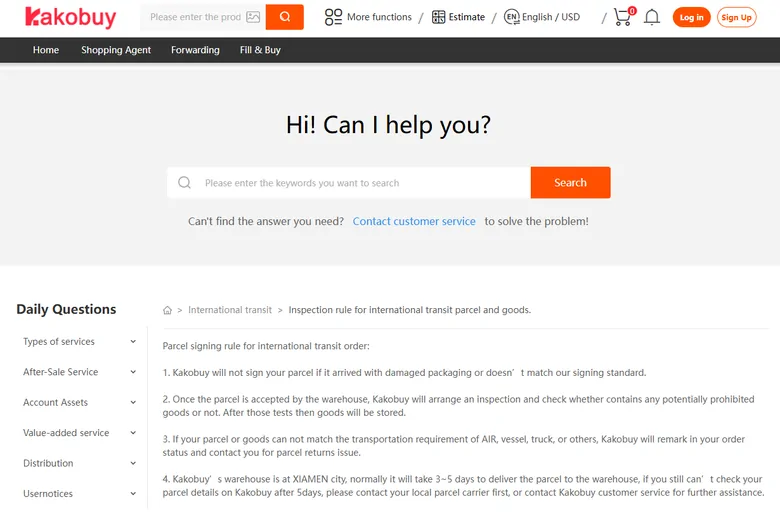
Kakobuy answers the last question in its own help centre, and the answer is mostly no. The warehouse looks at an object, counts it, photographs it and packs it. It does not plug it in. Everything on this site starts from that fact.
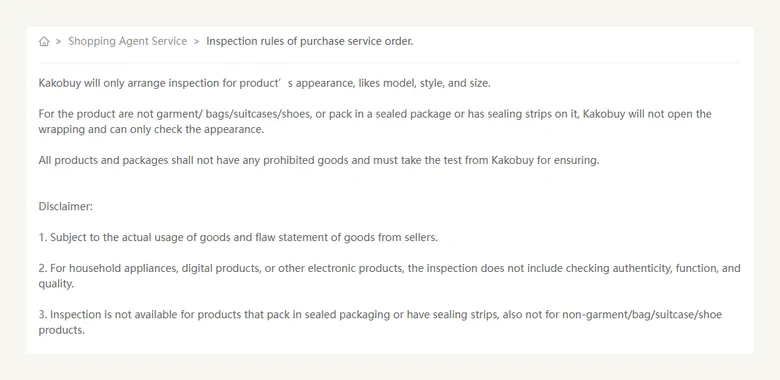
Kakobuy's warehouse check has a reach, and three sentences in the help centre mark its edges. We reopened each article on November 10, 2026 and the wording had not changed since the October copy we keep.
Kakobuy will only arrange inspection for product's appearance, likes model, style, and size.
Kakobuy will not open the wrapping and can only check the appearance.
Same article. It covers every item outside clothing, bags, suitcases and shoes, plus sealed packs.
The band above reads left to right. In the first zone a worker can see the object and compare it with the listing: right model, right color, right size. In the second zone a sealed box or a pack with sealing strips stays closed, so the worker sees the outside of the box. In the third zone nothing is powered up. A handheld console that arrives dead looks exactly like one that works.
That is not a complaint about Kakobuy. It is how buying agents handle objects, and Kakobuy writes it down more plainly than most. The useful response is to choose listings that tell you more, and to know which questions only the seller can answer. The gadgets, figures and models and home goods pages go through that shelf by shelf.
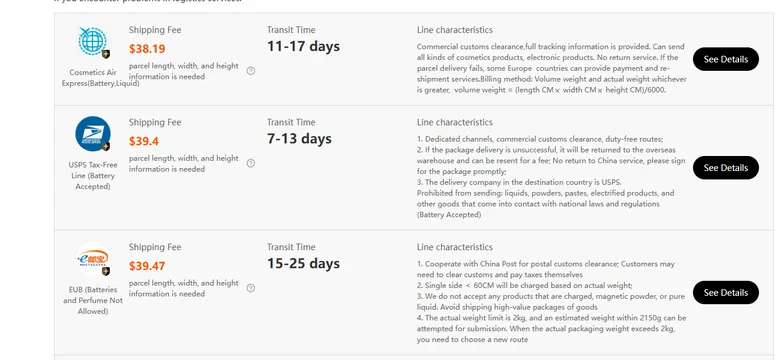
Batteries matter for objects in a way they never do for jackets, and Kakobuy's estimator shows it in the line names themselves. On November 10, 2026 we asked the official estimator about a one-kilogram parcel of Ordinary goods for a US address. Thirteen lines came back, and six carried battery or power words in their names. Two say no outright: UPS Duty-Free (No Batteries) and EUB (Batteries and Perfume Not Allowed). Four point the other way: US Tax-Free (Actual Weight)-electrified, ups-Tariffless Line-electrified, Cosmetics Air Express(Battery,Liquid) and USPS Tax-Free Line (Battery Accepted).
Those names change, and the list differs by country and weight. Treat it as a reading from one day, not a rule. The costs and lines page explains what the line notes say and where Kakobuy contradicts itself on this.
Each page below takes one part of buying an object through Kakobuy and stays with it. They link to each other where a topic crosses over, and every Kakobuy rule links back to the help article it comes from.

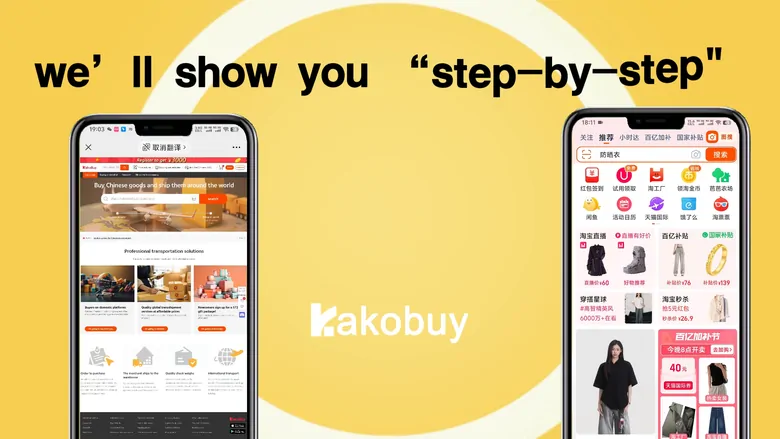
Kakobuy publishes a short video that walks through an order from the search bar to a parcel at the door. The example is a pair of shoes, not an object, but the screens are the same: product page, order, warehouse photos, waybill, line choice. It runs about a minute and a half and plays here only when you press play.
Kakobuy rewrites help articles rarely, but it does rewrite them, and line names change more often than that. On November 10, 2026 we reopened the fifteen help articles this site quotes, rendered in a browser the way you would see them, and compared them line by line with the copies we keep from October 10, 2026. All fifteen matched. The estimator reading and the catalogue prices on the finder cards come from the same night.
If you find a sentence here that no longer matches Kakobuy, the about page has the address for corrections, and the dated list of changes sits on the notices page.